MCF User Guide
Businesses
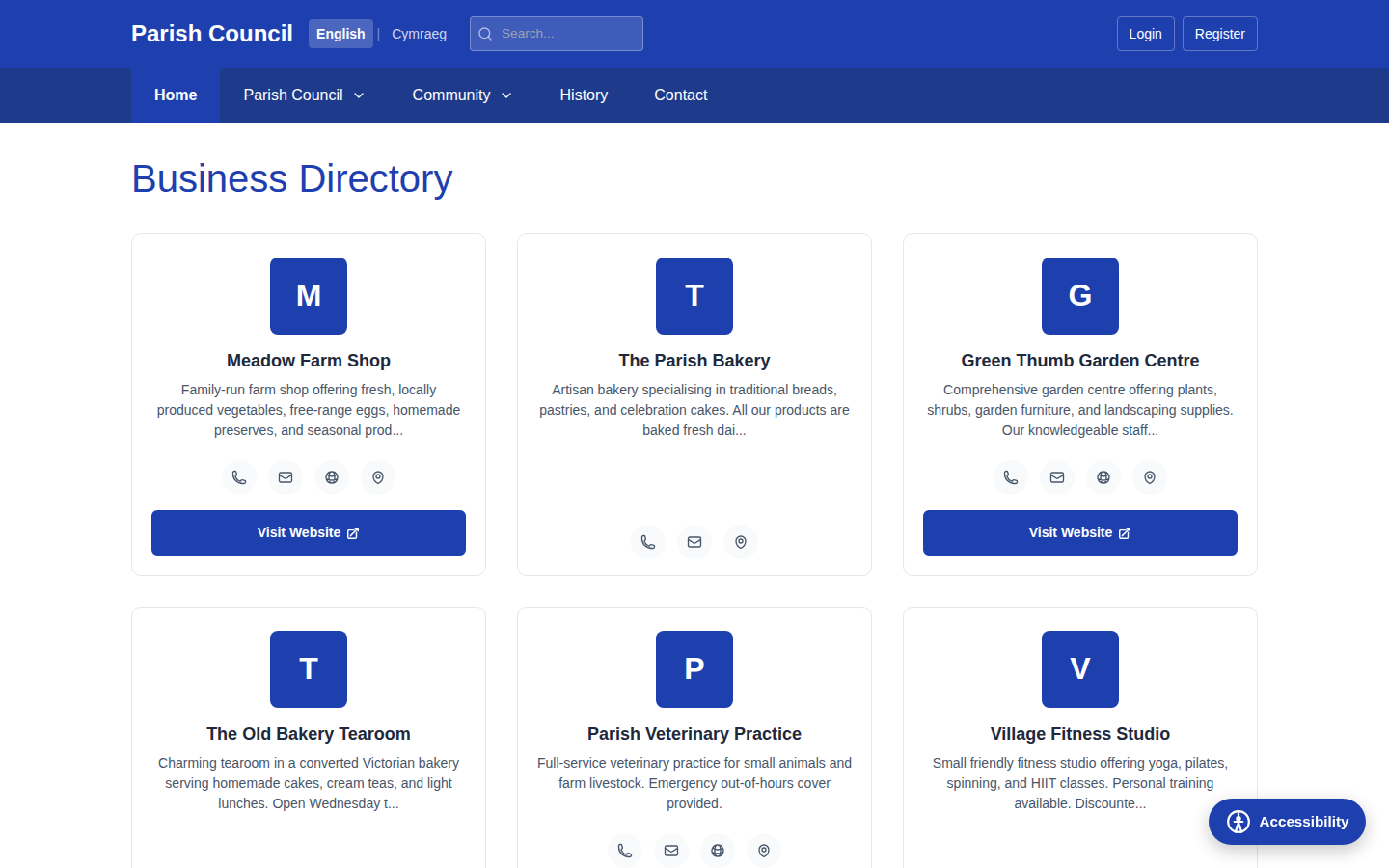
The business directory promotes local enterprise — shops, tradespeople, cafés and services in your parish. Each listing carries the business name, a description, a category, contact details and a website link, giving residents a handy local reference.
Adding a business
- Go to Content › Businesses in the sidebar.
- Select New Business.
- Fill in the form:
- Name — the business name.
- Description — what the business does.
- Category — the type of business, for example "Retail", "Services" or "Food and Drink".
- Address — where the business is based.
- Phone and email — contact details for residents.
- Website — the full web address, including
https://. - Map coordinates — latitude and longitude, so the business can appear on the interactive map.
- Set Published to make it visible on the public website.
- Select Create to save.

If you have a logo or a photo for a business, add it through the image field so the listing stands out. As with all images, give it a short description (alt text) so it's accessible to screen-reader users.
Categories
The Category field groups listings on the public directory so residents can browse by type — for example all "Food and Drink" businesses together. Use a small, consistent set of categories so the directory stays easy to scan.
Always enter the full website address starting with https://. A partial
address like example.co.uk may not link correctly. Test the link after
saving to make sure it opens the right page.
Keeping the directory accurate
- Review listings periodically — businesses move, close or change their contact details.
- To update a listing, open it under Businesses, make your changes and Save.
- To remove a business that has closed, open it and choose Delete. Deleted records are kept in the trash and can be restored if needed.
The directory is a public listing run by the council, so apply the same standard to everyone. Decide what qualifies for inclusion (for example, businesses based in or serving the parish) and list them on equal terms. Avoid promotional or comparative language in descriptions — keep them factual.