 MCF User Guide
Analytics
Analytics show you how residents are using your website — how many people visit, which pages are most popular, and whether traffic is rising or falling. Your website includes its own privacy-friendly analytics, and can also connect to Google Analytics if you want.
Built-in visitor analytics
The visitor analytics dashboard is built into your website. Crucially, it is privacy-friendly: it does not use tracking cookies and does not identify individual visitors, which makes it straightforward under UK GDPR. Visitors' IP addresses are anonymised and automated bots are excluded, so the numbers reflect real people.
- Go to Analytics & Audit > Visitor Analytics in the sidebar.
- Use the date filters to focus on a particular period — the last week, month, or a custom range.
- Read the charts and figures to understand your traffic.
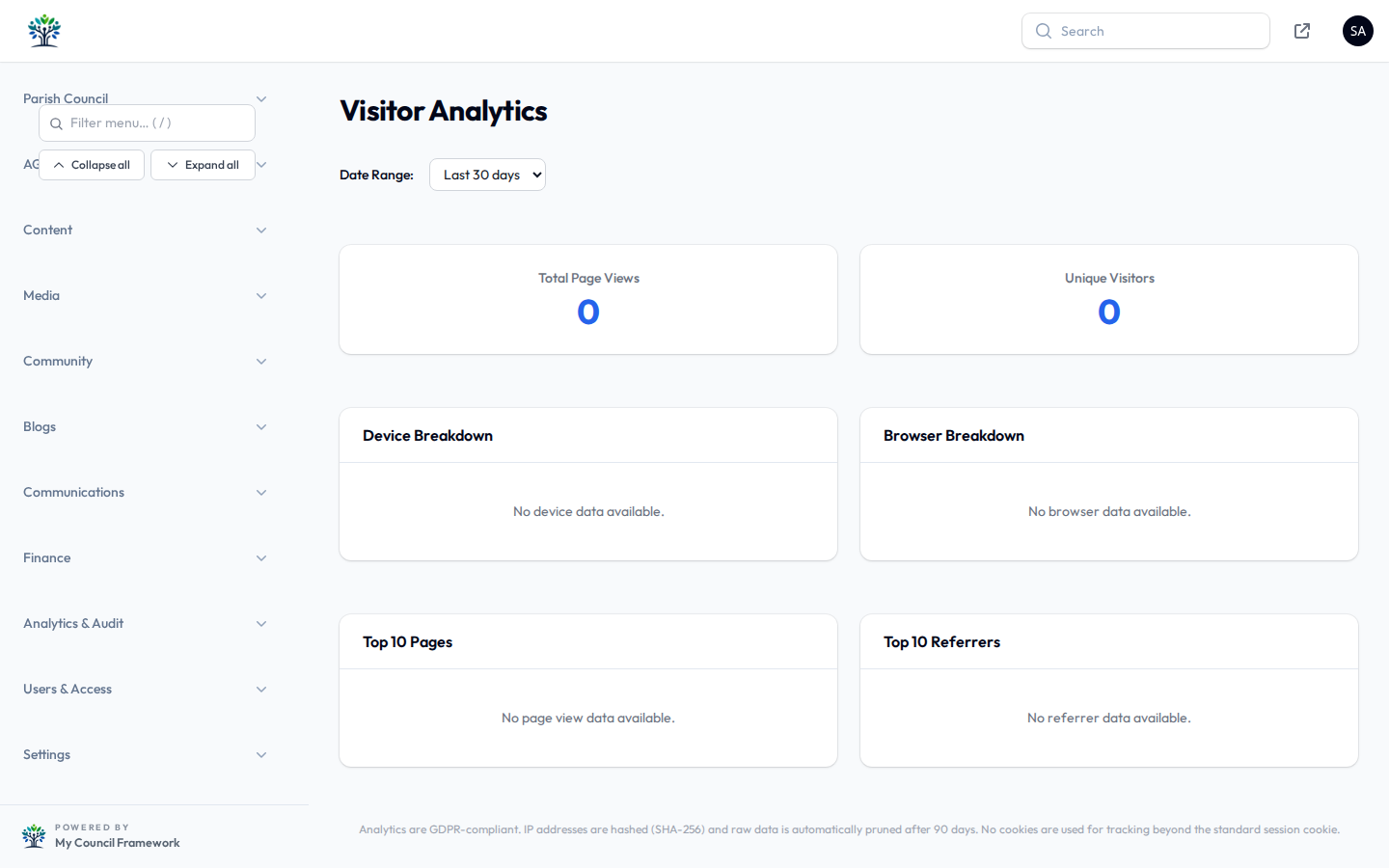
What the dashboard shows
| Measure | What it tells you |
|---|---|
| Page views over time | How busy your site has been, day by day, week by week or month by month. |
| Most popular pages | Which content residents visit most — a guide to what they value. |
| Trends | Whether your traffic is generally increasing or decreasing. |
If your meetings or planning pages are consistently the most visited, keep them current and easy to find. If a page you expected to be popular is not, it might need a clearer link in your navigation.
Detailed visitor data is summarised daily and older raw data is automatically pruned, so the system stays lean and stores only what it needs. Your headline trends remain available; the granular detail is not kept indefinitely.
Connecting Google Analytics
If your council already uses, or wants to use, Google Analytics 4 alongside the built-in dashboard, you can connect it from Site Settings.
- In Google Analytics, create a property for your website and copy its Measurement ID (it looks like
G-XXXXXXXXXX). - In the admin panel, open Settings > Site Settings and find the Integrations area's Google Analytics tab.
- Paste your Measurement ID into the field.
- Select Save.
Unlike the built-in analytics, Google Analytics uses cookies. Your website only loads it once a visitor has agreed to analytics cookies through the consent banner, and it is configured to anonymise IP addresses. This keeps you on the right side of cookie rules — but do make sure your privacy and cookie policies mention it.
Which should you use?
For most parish councils, the built-in dashboard is enough: it answers the everyday questions without any cookie consent burden. Add Google Analytics only if you need its more detailed reporting or already report against it. There is no harm in running both — the built-in figures will simply always be there as your cookie-free baseline.